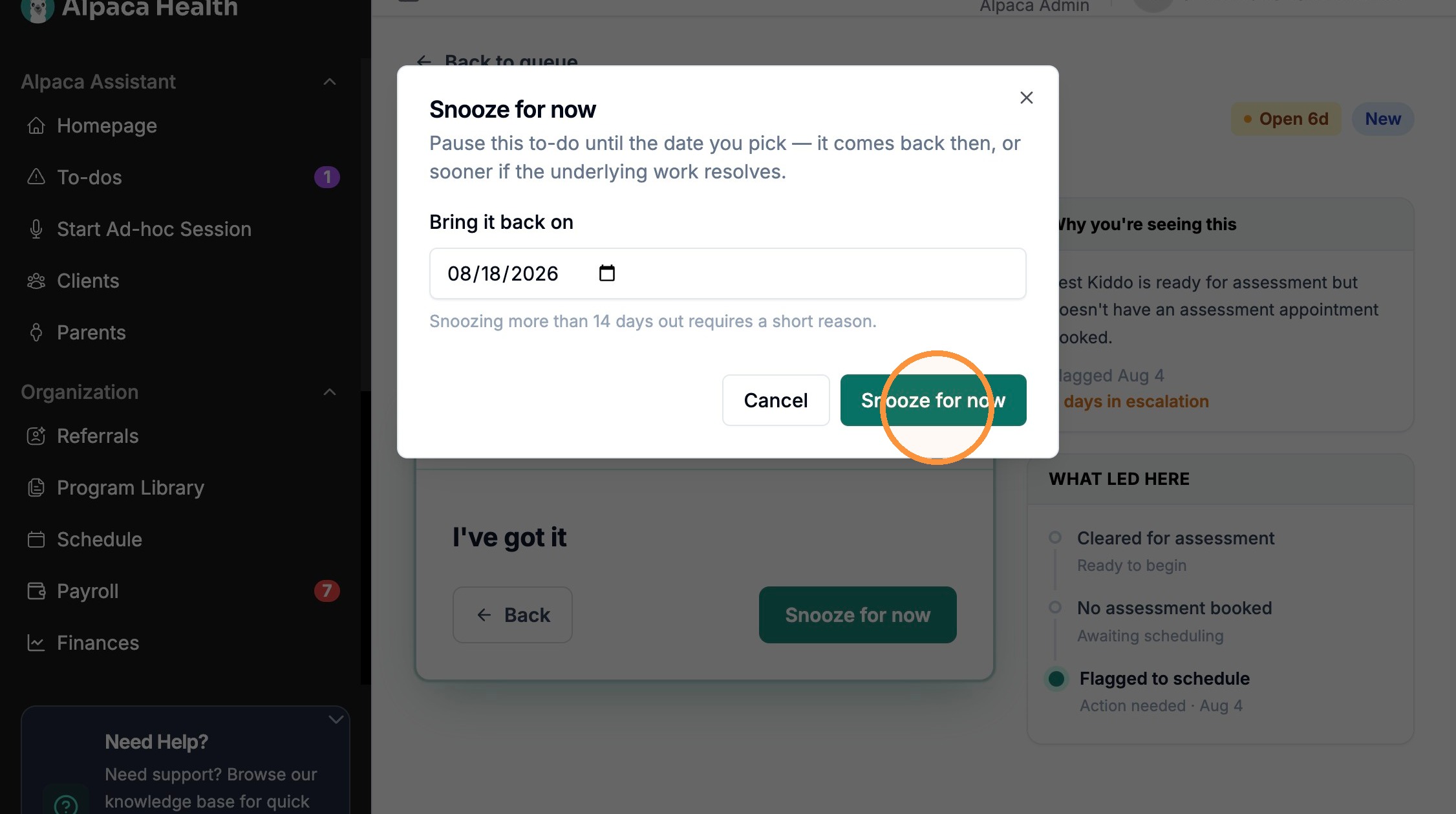
How to Snooze Payroll To-dos in Alpaca Health
Last updated: August 26, 2026
Learn how to manage your pending payroll tasks by snoozing them for a later date. This guide walks you through the steps to categorize your tasks and set a reminder to bring them back when you are ready.
1. Navigate to https://secure.alpacahealth.io/payroll
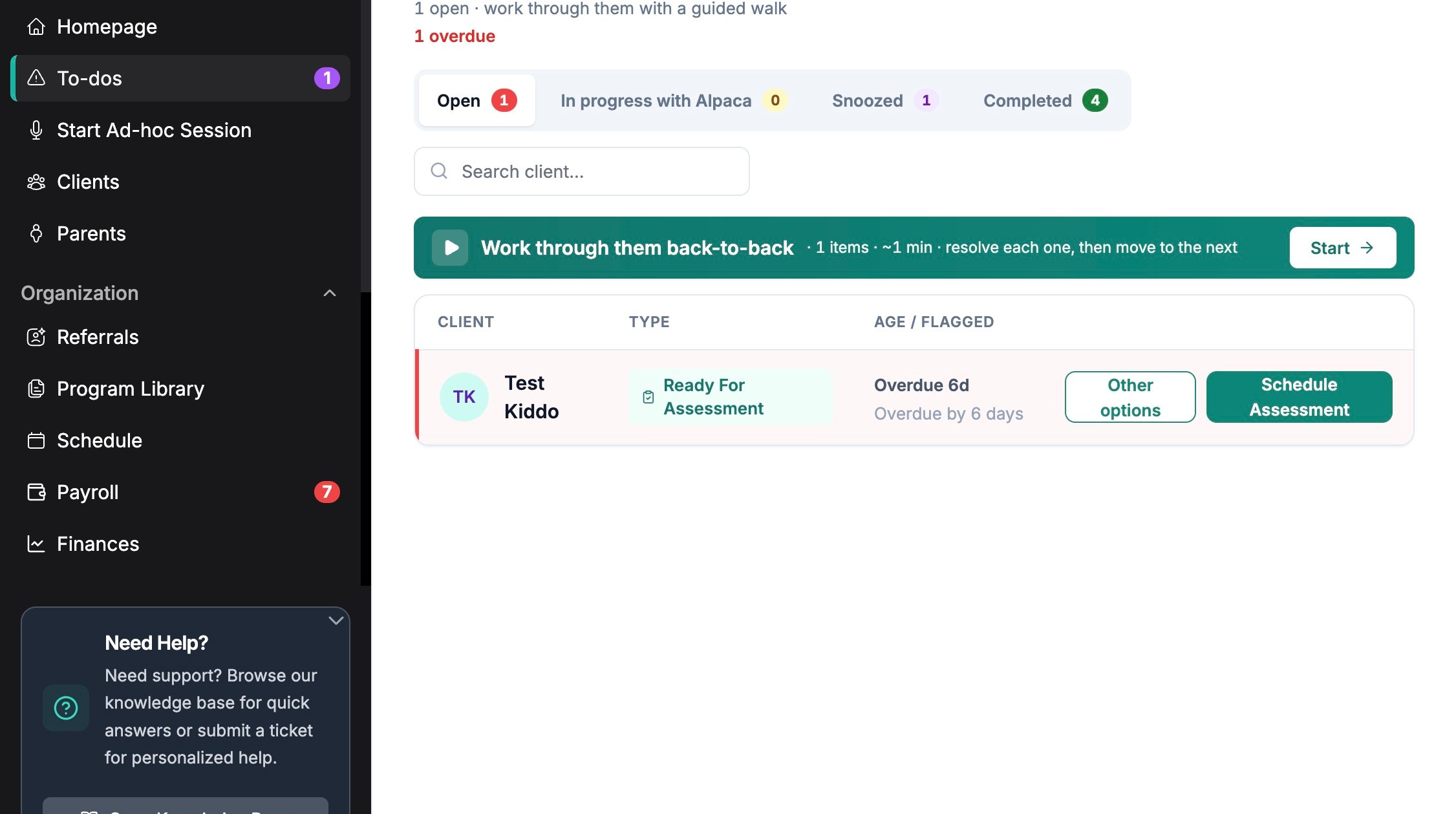
Escalation Review
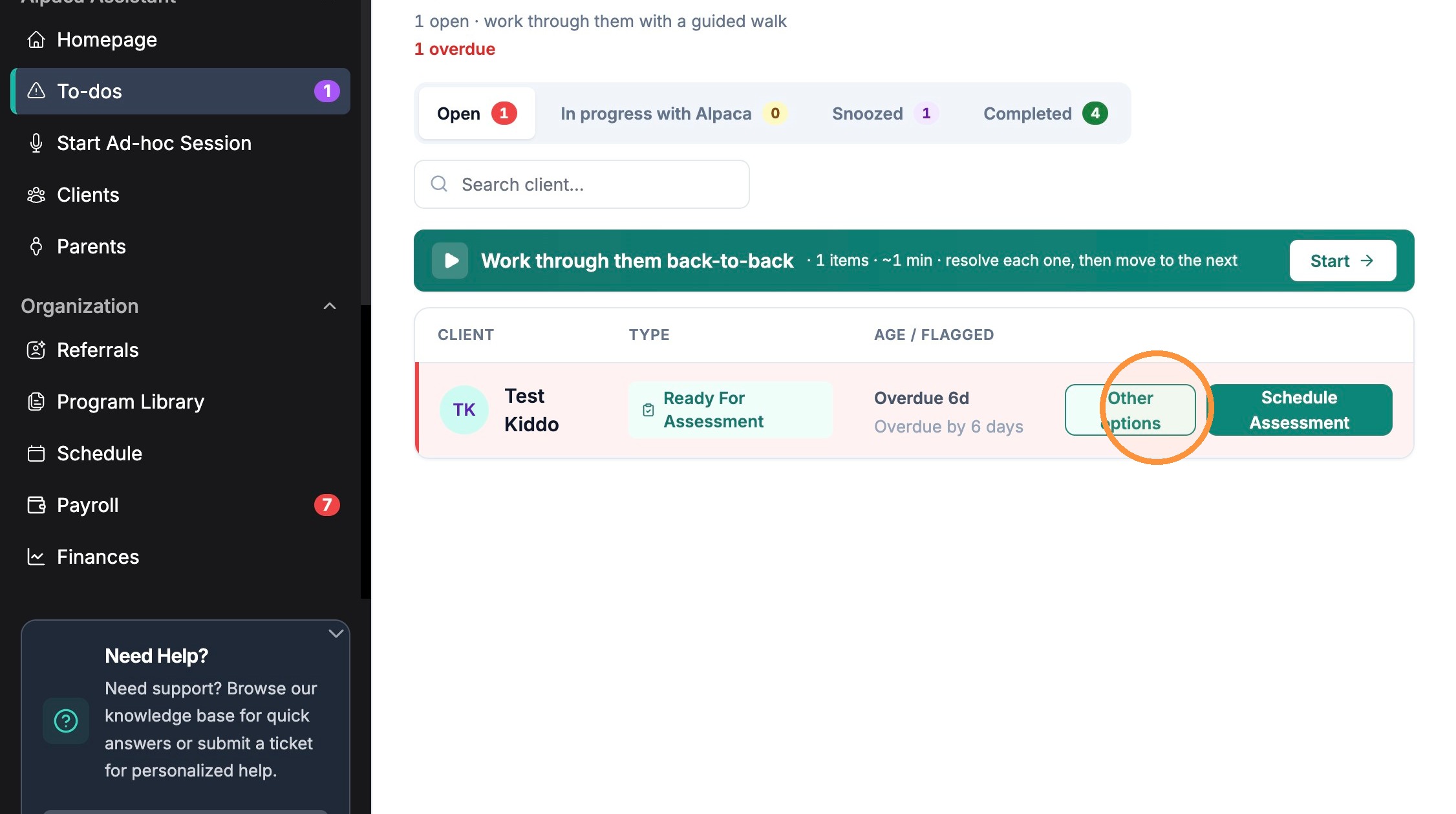
2. Click "Other options" for Test Kiddo.
Tip: Tip!
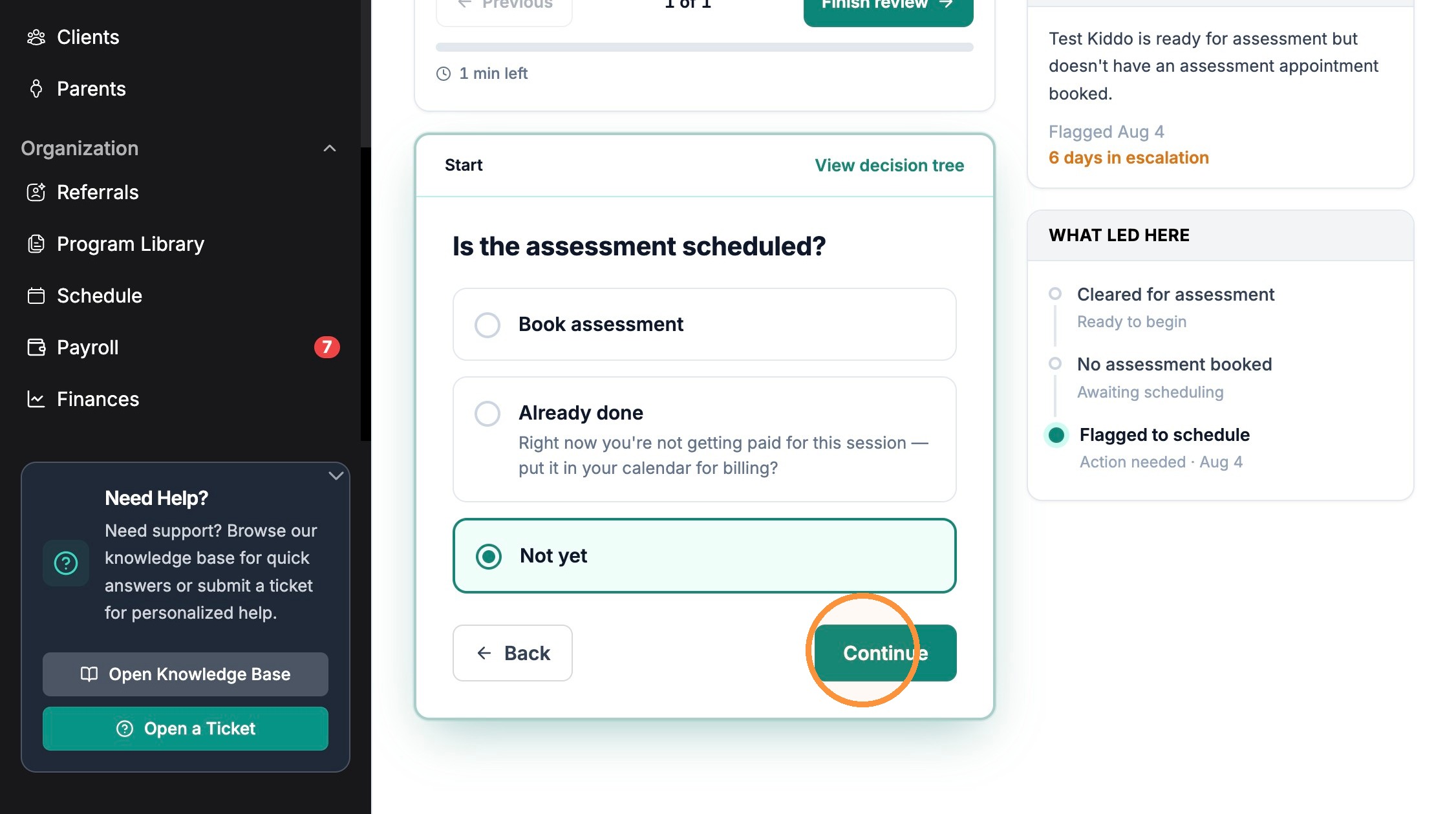
3. Click "Not yet"
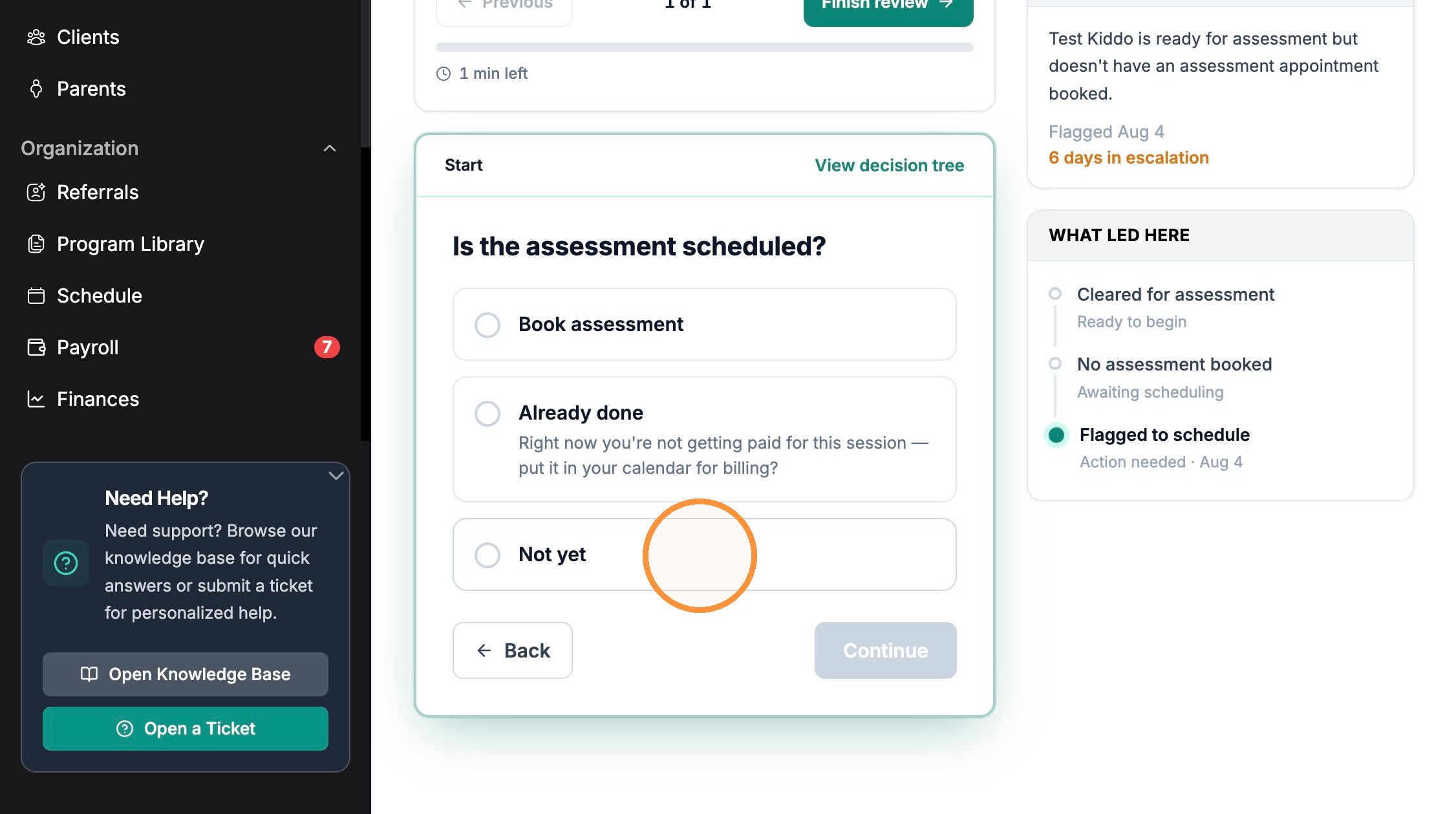
4. Click "Continue" after selecting "Not yet".
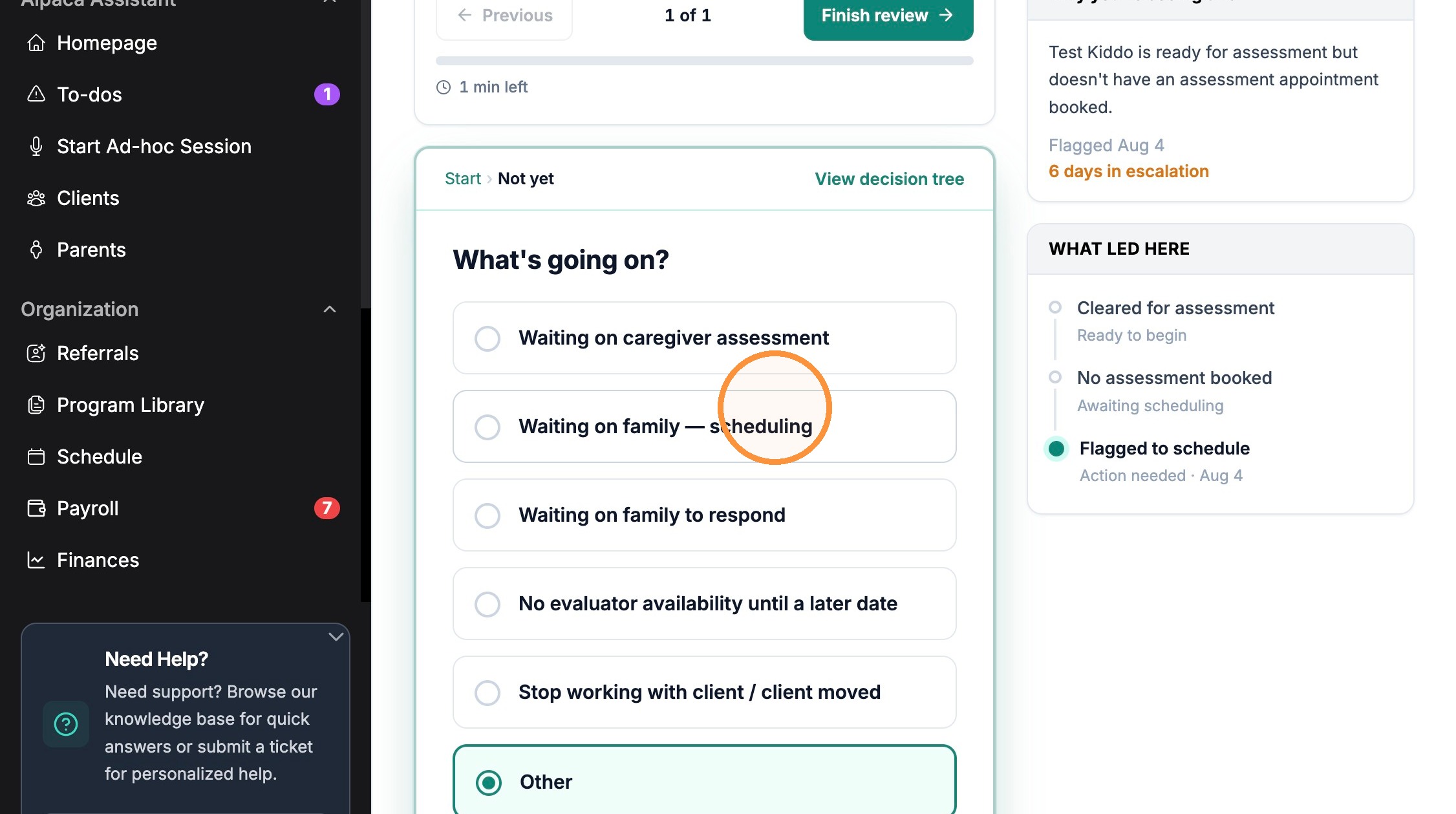
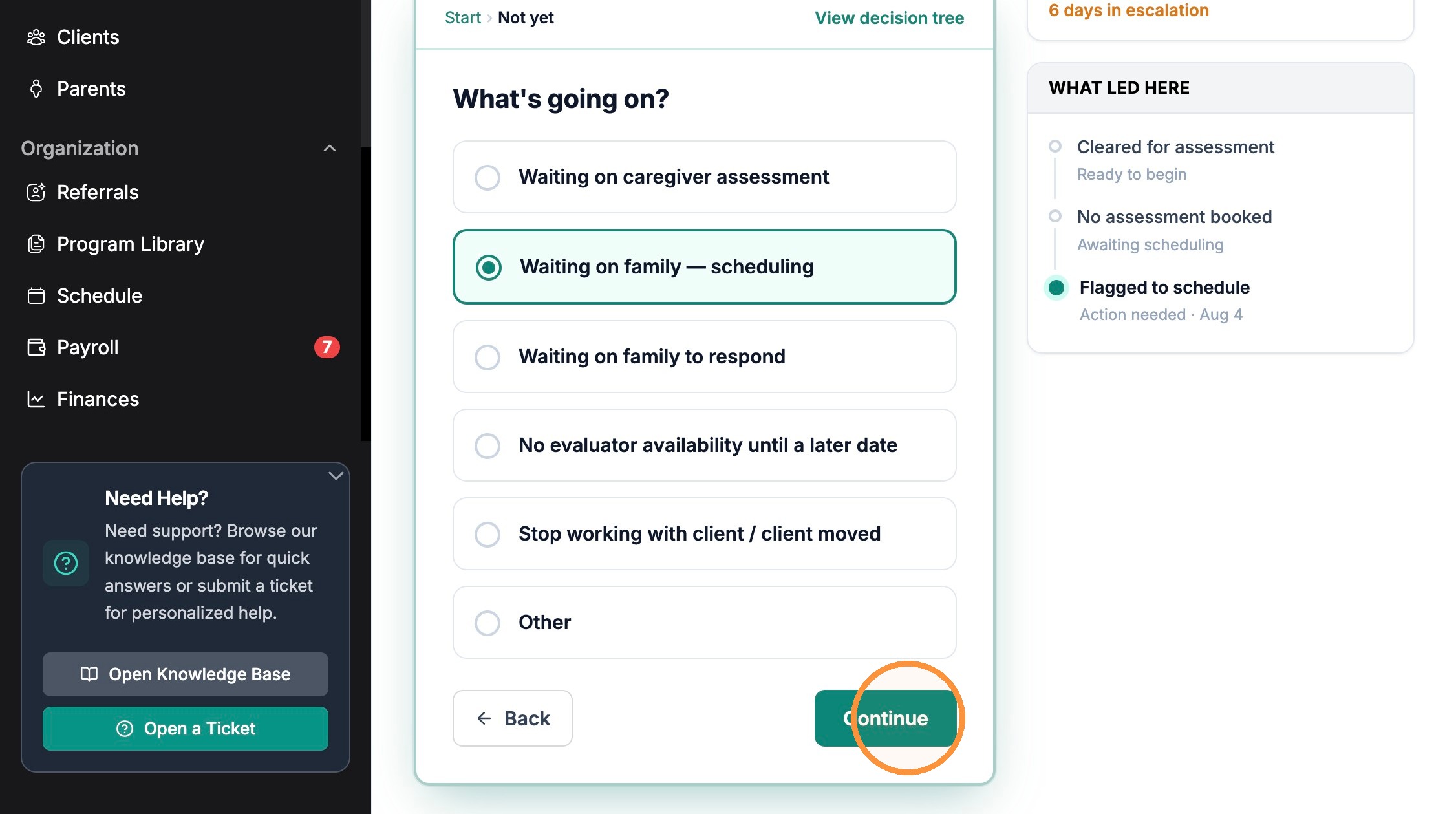
5. Click "Waiting on family — scheduling"
6. Click "Continue" after selecting "Waiting on family — scheduling".
7. Click "I've got it"
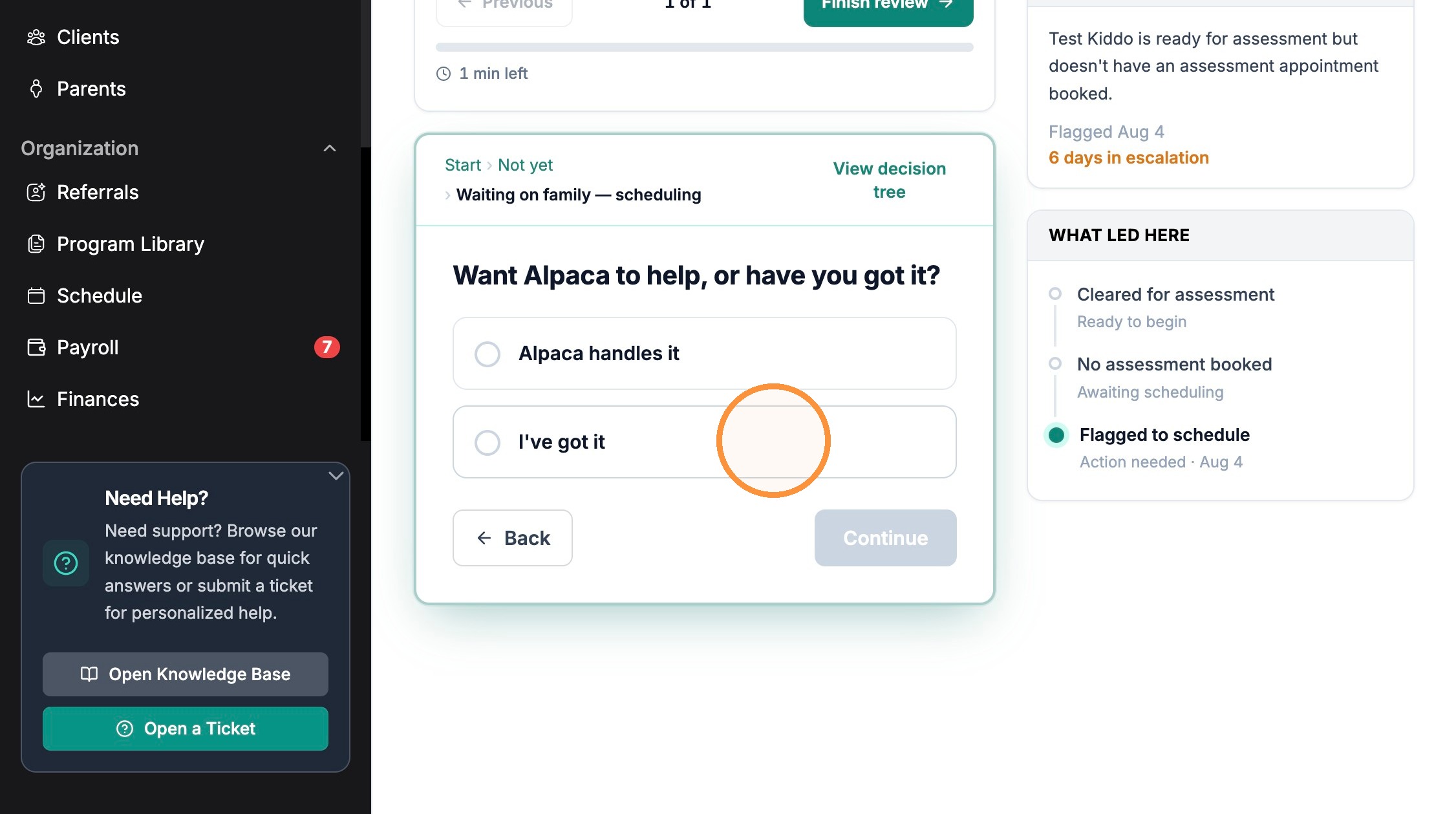
8. Click "Continue" after selecting "I've got it".

Snooze Settings
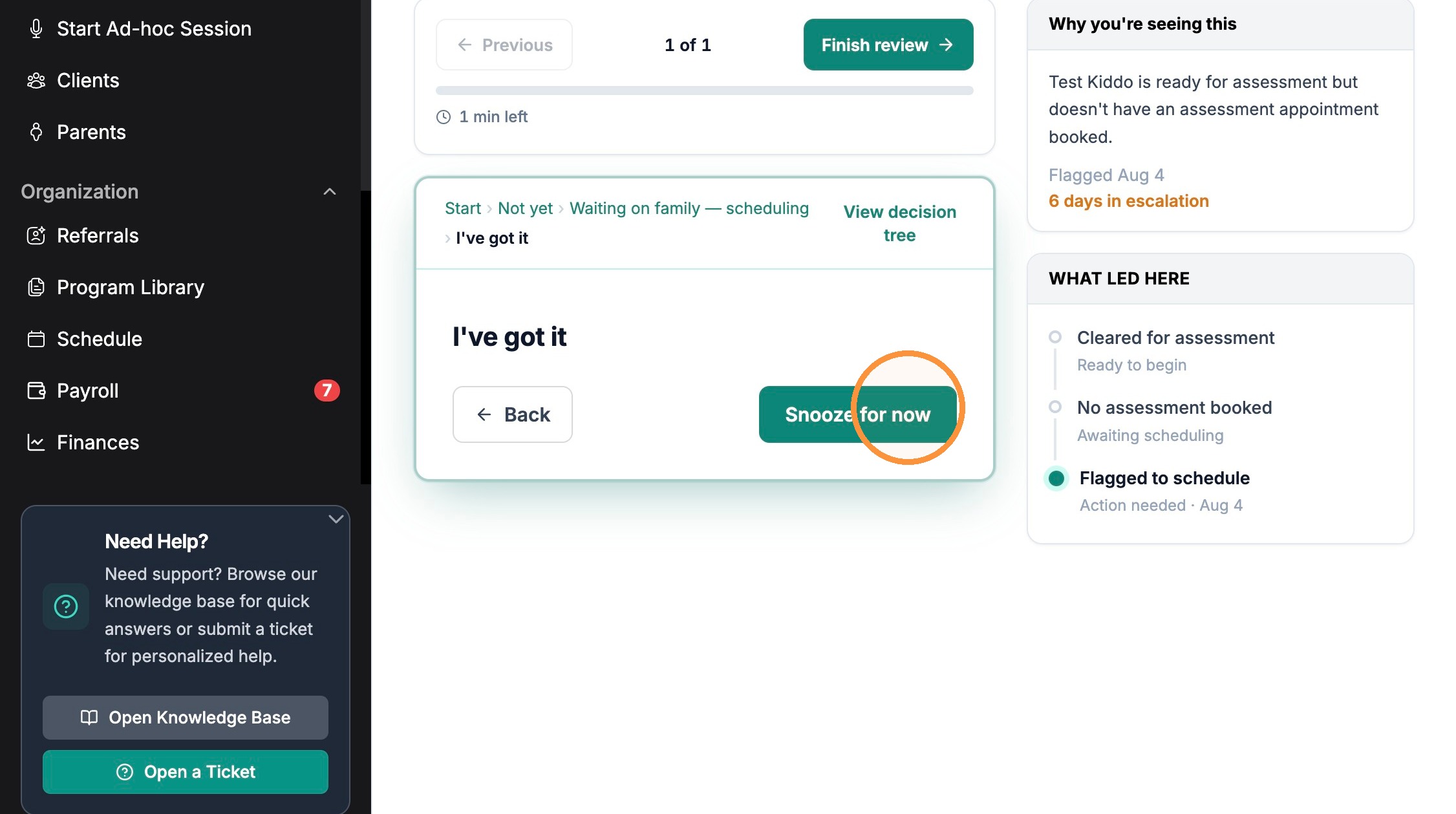
9. Click "Snooze for now"
10. Click the "Bring it back on" date field.
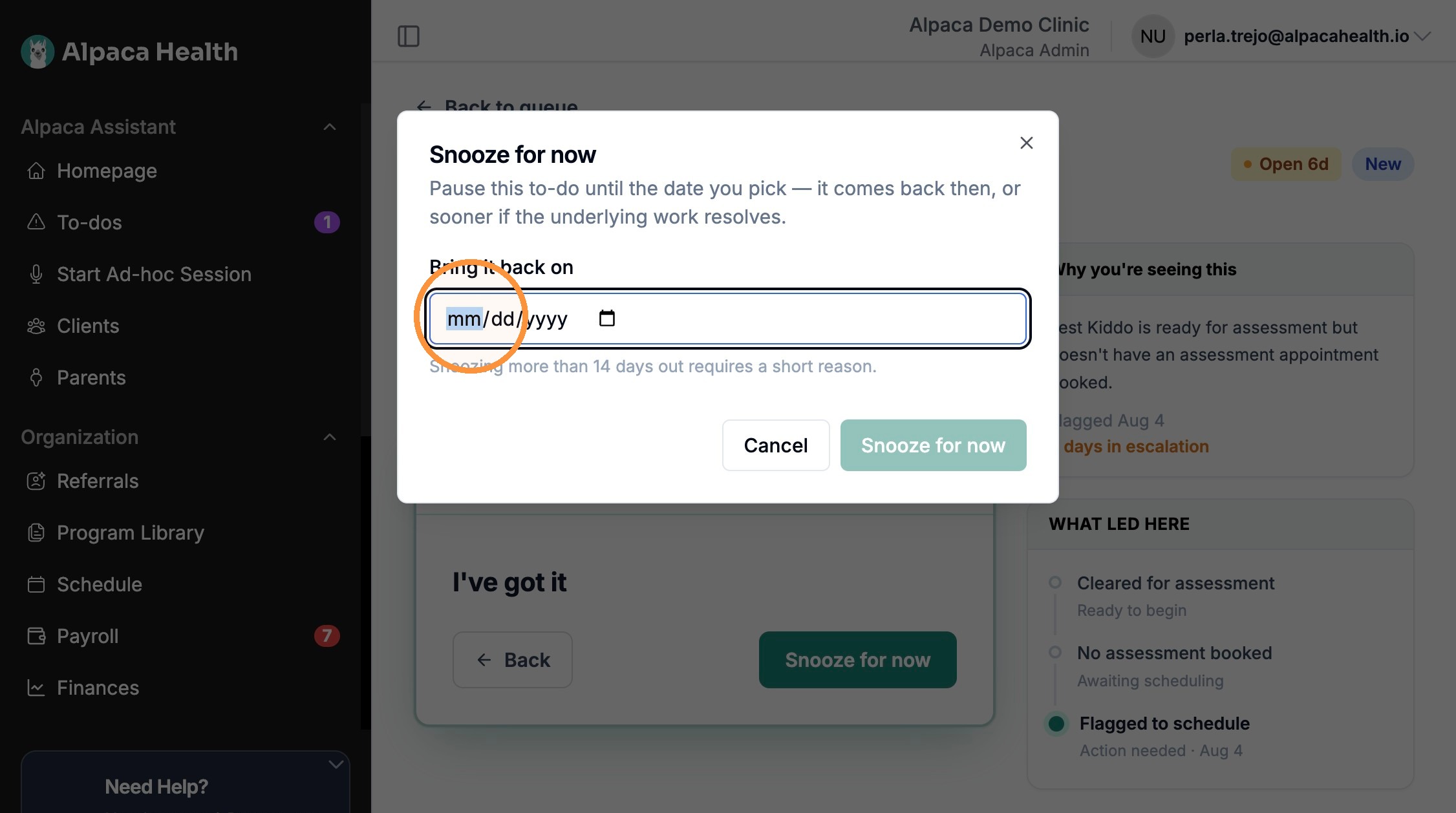
11. Click "Snooze for now"