Letting Parents Book Their First Assessment
Last updated: July 21, 2026
To reduce your administrative workload, parents can book their first assessment appointment themselves once everything is ready on the client side.
When parents can book
Parents are only given the option to book after:
Authorizations are approved
Required documents are uploaded
Insurance allows backdating (if applicable)
If the assessment has already been scheduled, parents will not see the booking option.
After the first assessment, all follow-up assessments are scheduled by you and your team, as usual.
How booking works:
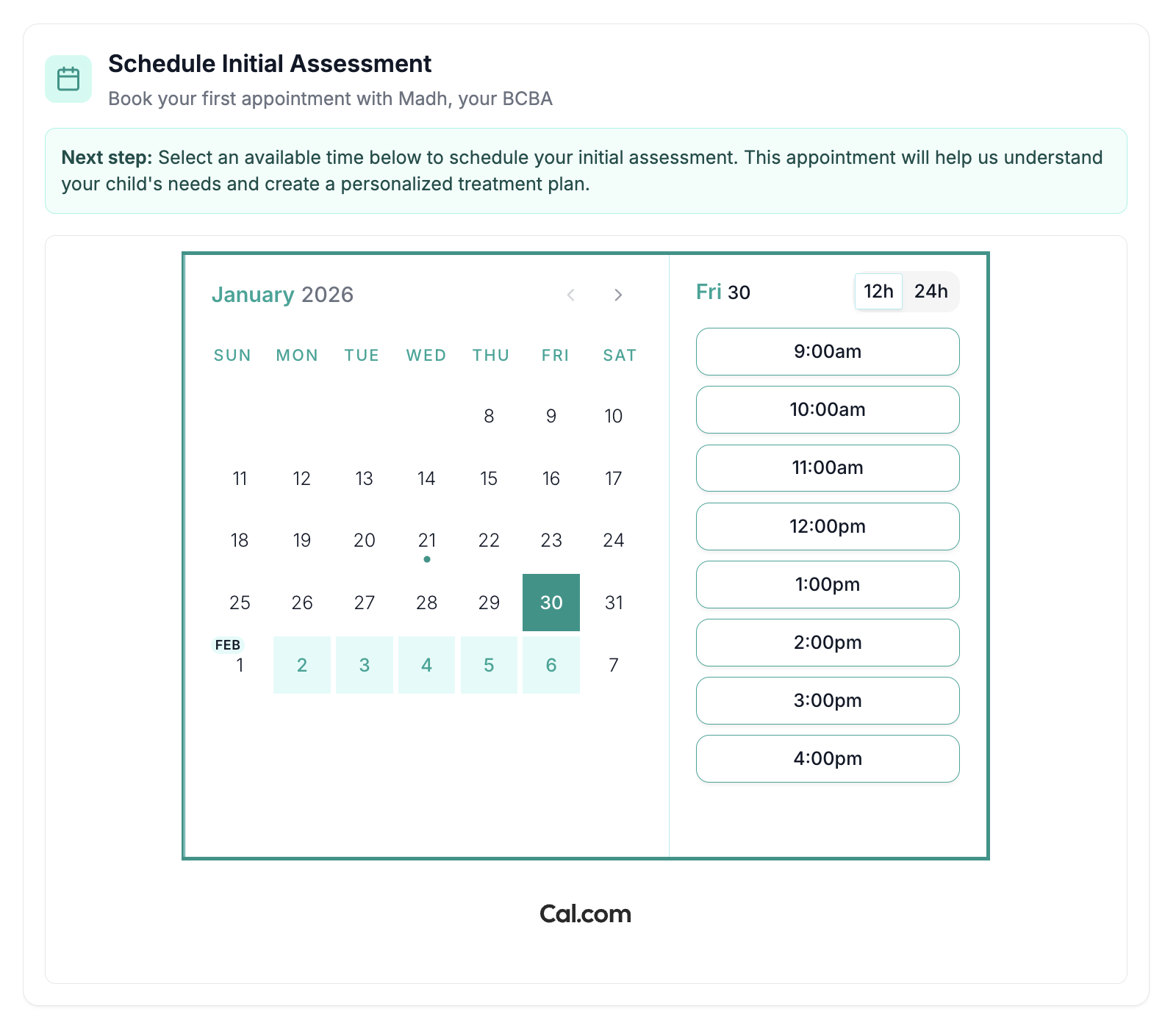
Parents book assessments only during times you make available on your Cal.com calendar
Assessment can only be booked:
At least one week in advance
Allow for a three-hour open block
1 hour before (buffer)
1 hour assessment
1 hour after (buffer)
If you need help connecting Cal.com to your calendar, see the Cal Scheduling Guide.
What happens when a parent books:
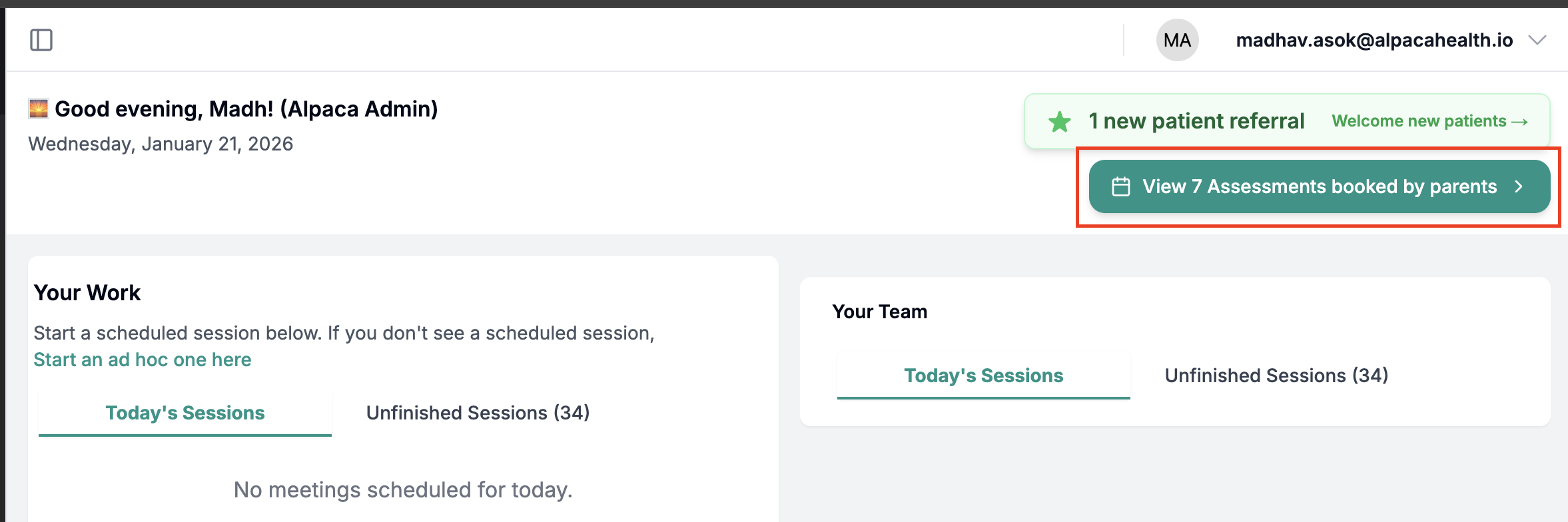
You’ll see a notification in the top-right corner of your home page
Clicking the notification shows all upcoming parent-booked assessments
The assessment is automatically added to the client’s schedule
Before the assessment:
Assessment appointments are scheduled for 1 hour by default
Please confirm with the parent:
Whether you plan to conduct the assessment is in-person or via video
If you need to:
Change the length, or
Move the date or time, please contact the parent directly to reschedule
Opting out (optional):
If you prefer not to have parents book the first assessment:
Go to your Referrals page
Uncheck the option in the top-right corner to opt out
This will also opt you out of Alpaca-led assessment scheduling outreach to families.

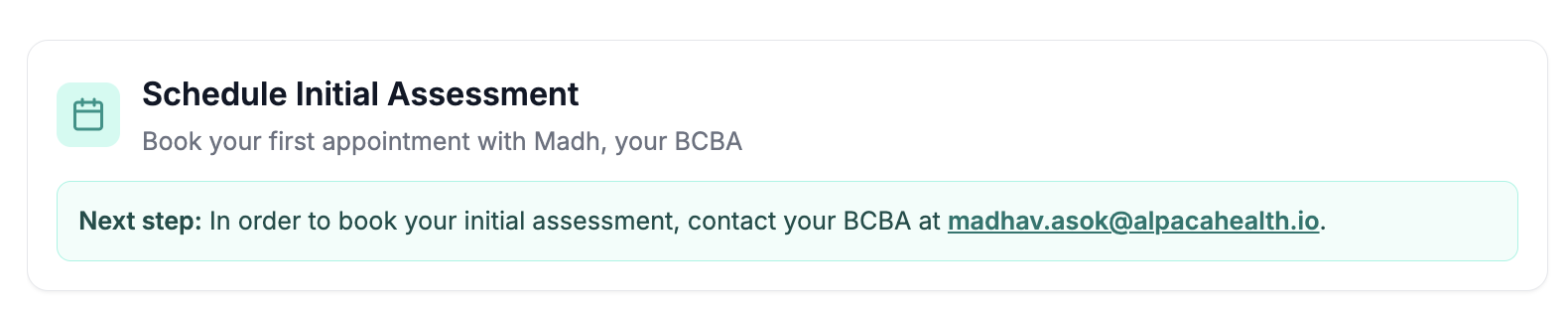
Instead of seeing a calendar, parents will be prompted to send you an email to schedule their first assessment appointment.