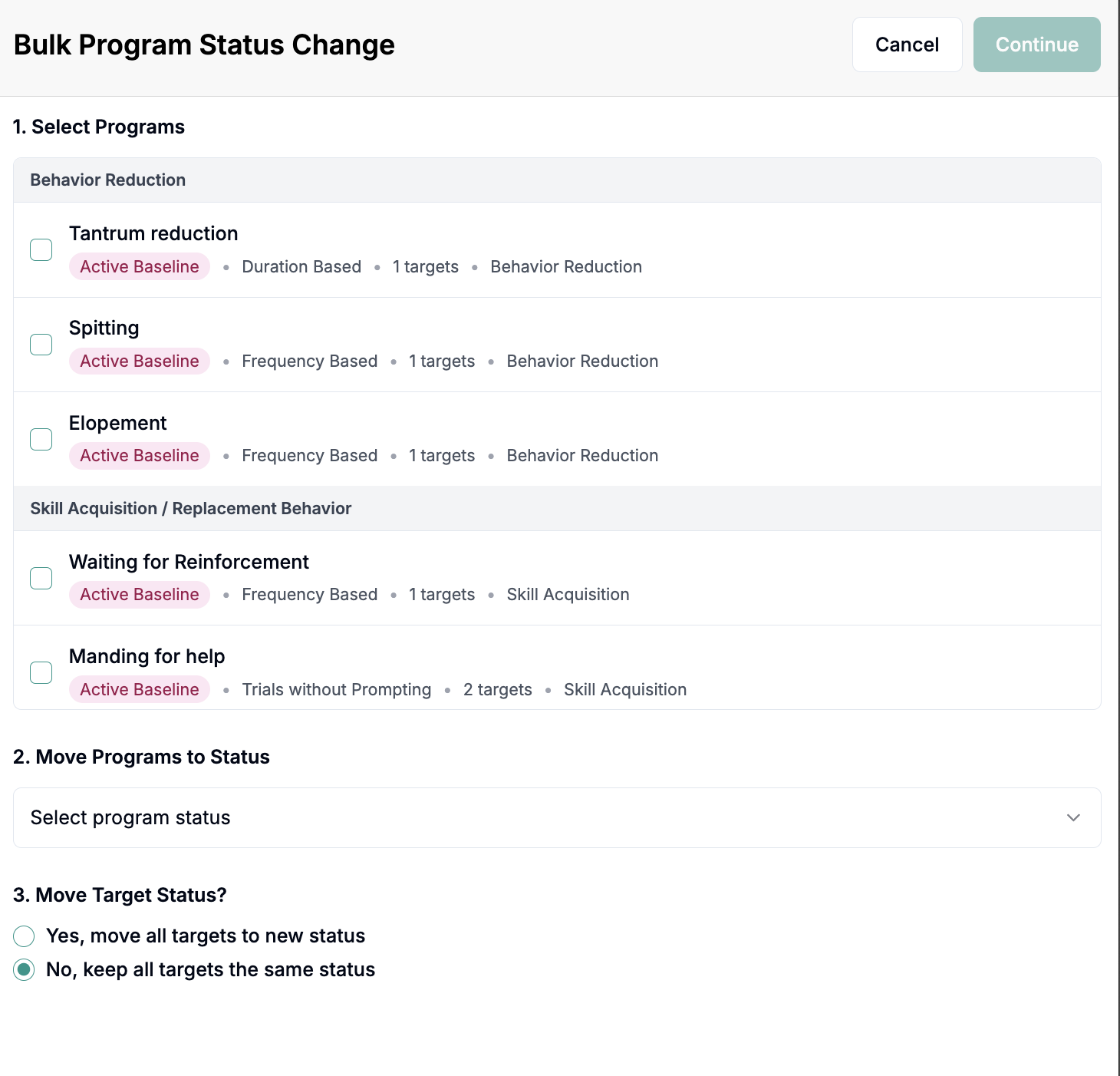
Bulk-Changing Program Statuses (e.g. Active Baseline to Active)
Last updated: July 24, 2026
If you want to change the status of multiple programs, we have a feature to enable the bulk movement of programs.
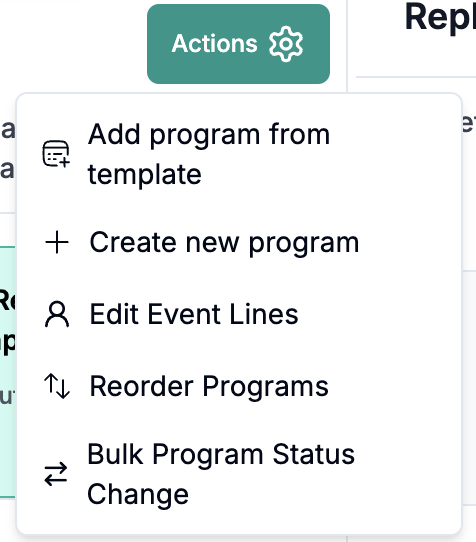
Go to the Client Profile, click Programs, click Actions and select the "Bulk Program Status Change"
Follow the steps in the modal to bulk change program status.