2.4 How to update your bank accounts
Last updated: July 21, 2026
Alpaca uses two separate bank accounts, and it's important to understand the difference:
Payout bank account — the account Alpaca deposits money into (e.g. insurance reimbursements).
Payroll bank account — the account that gets debited when you run payroll for your employees.
For the smoothest experience, set your payout bank account to match your payroll bank account. This way, the money Alpaca pays you lands in the same account you pay your team from — no manual transfers needed.
Update your payout bank account
This is where Alpaca will send money to you.
As an admin, go to the My Organization tab.
Scroll down to the Bank account section.
Click Add bank account and enter your details.

Update your payroll bank account
This is the account that gets debited when payroll runs.
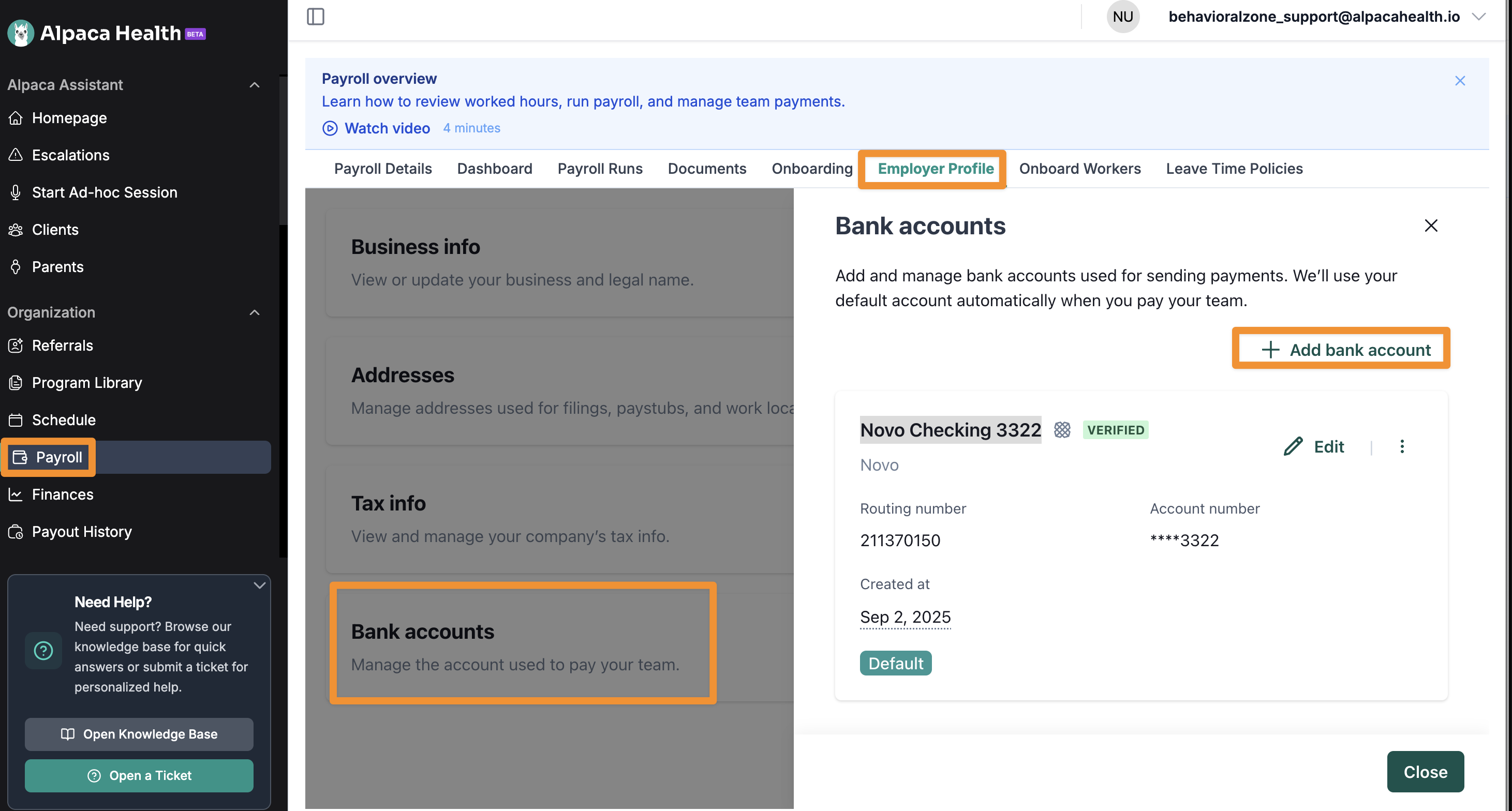
Go to Payroll.
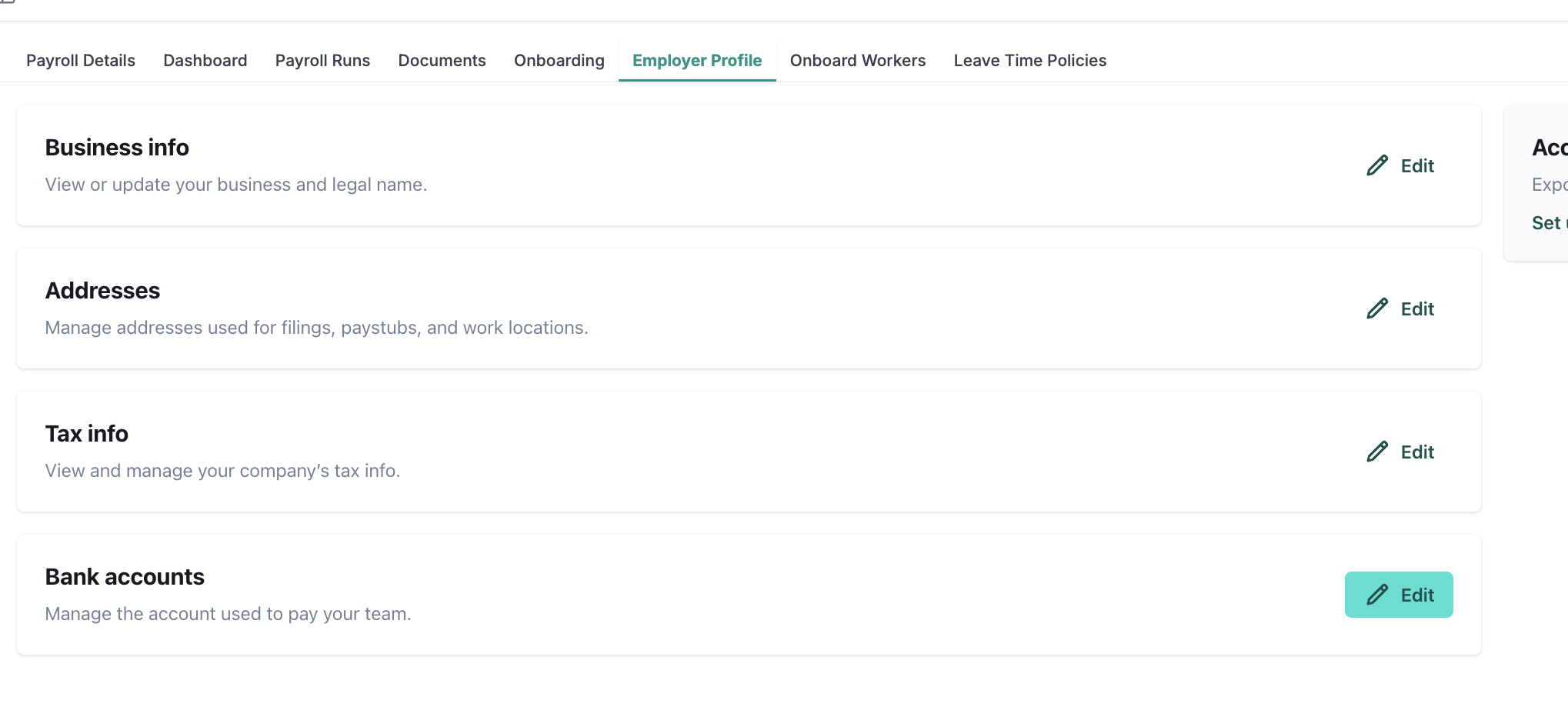
Click the Employer Profile tab.
Click Edit bank accounts, add or select the account you want to use, and make sure it's set as Default.2.4