ABC Data
Last updated: August 26, 2026
ABC Data can be collected in session by your RBT, but you can also collect ABC data when reviewing your client's program.
1. Navigate to your client's programs tab, select ABC.
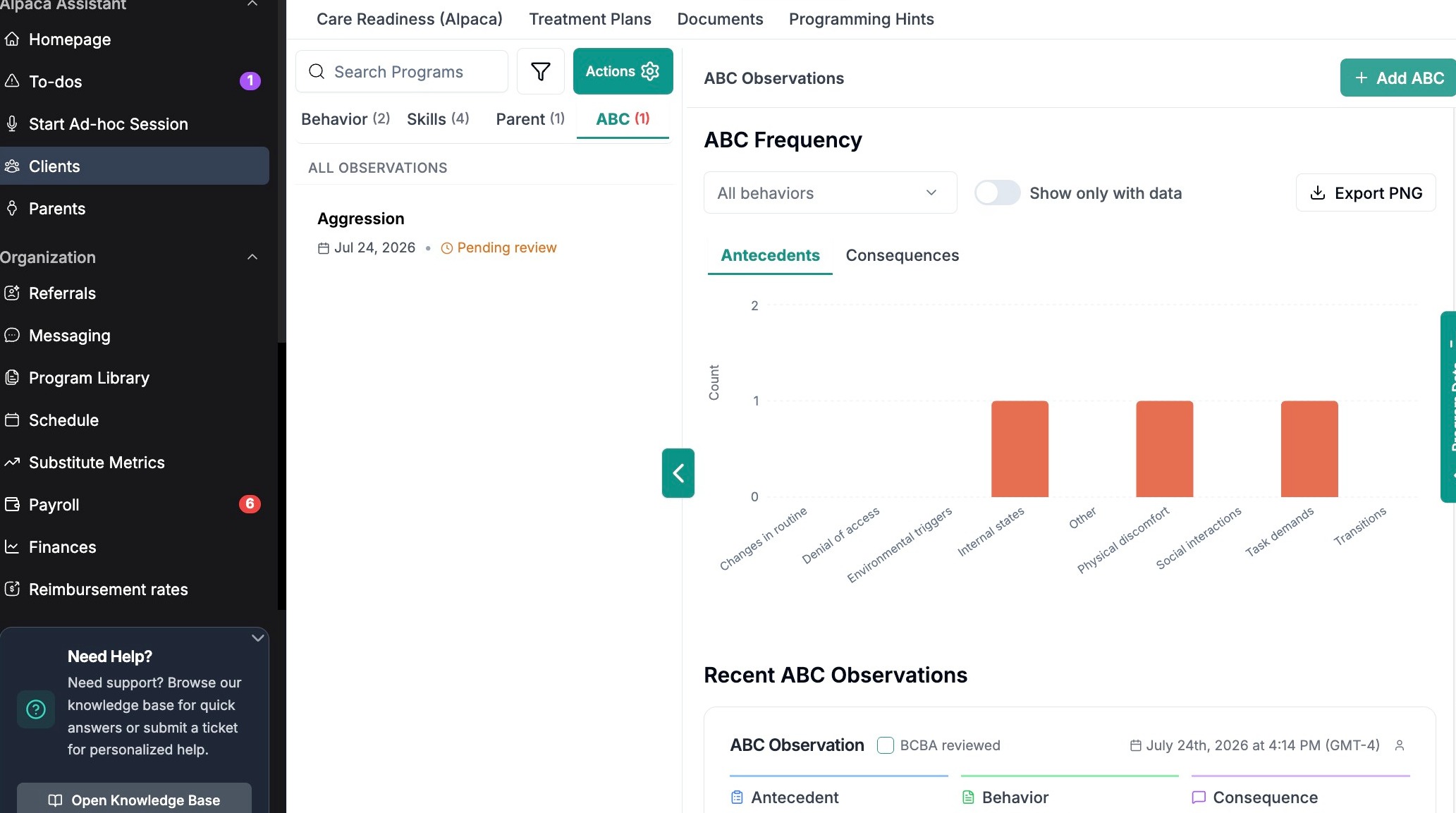
Add ABC Data from Programs Tab
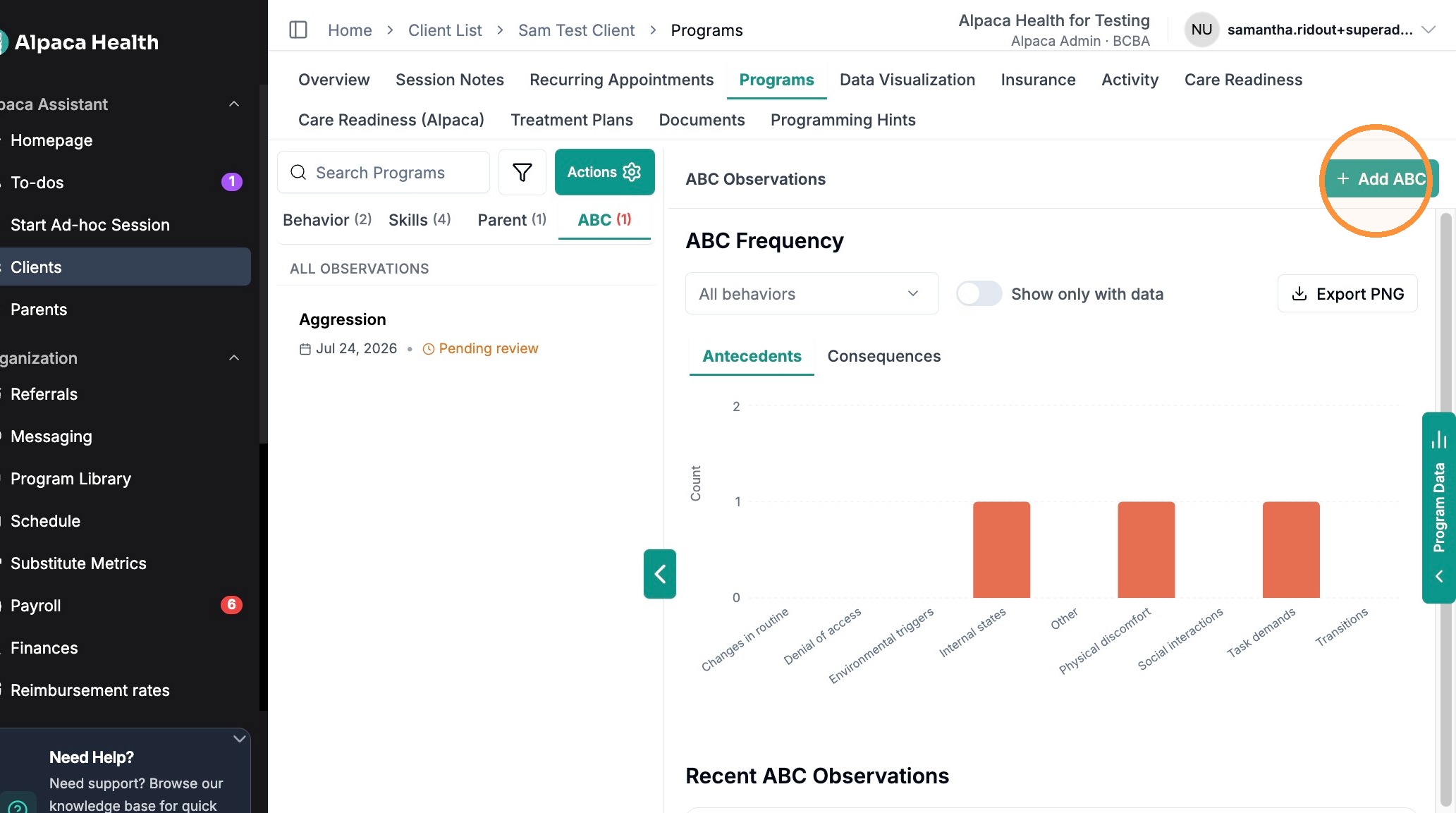
Link data to an existing session or record independently.
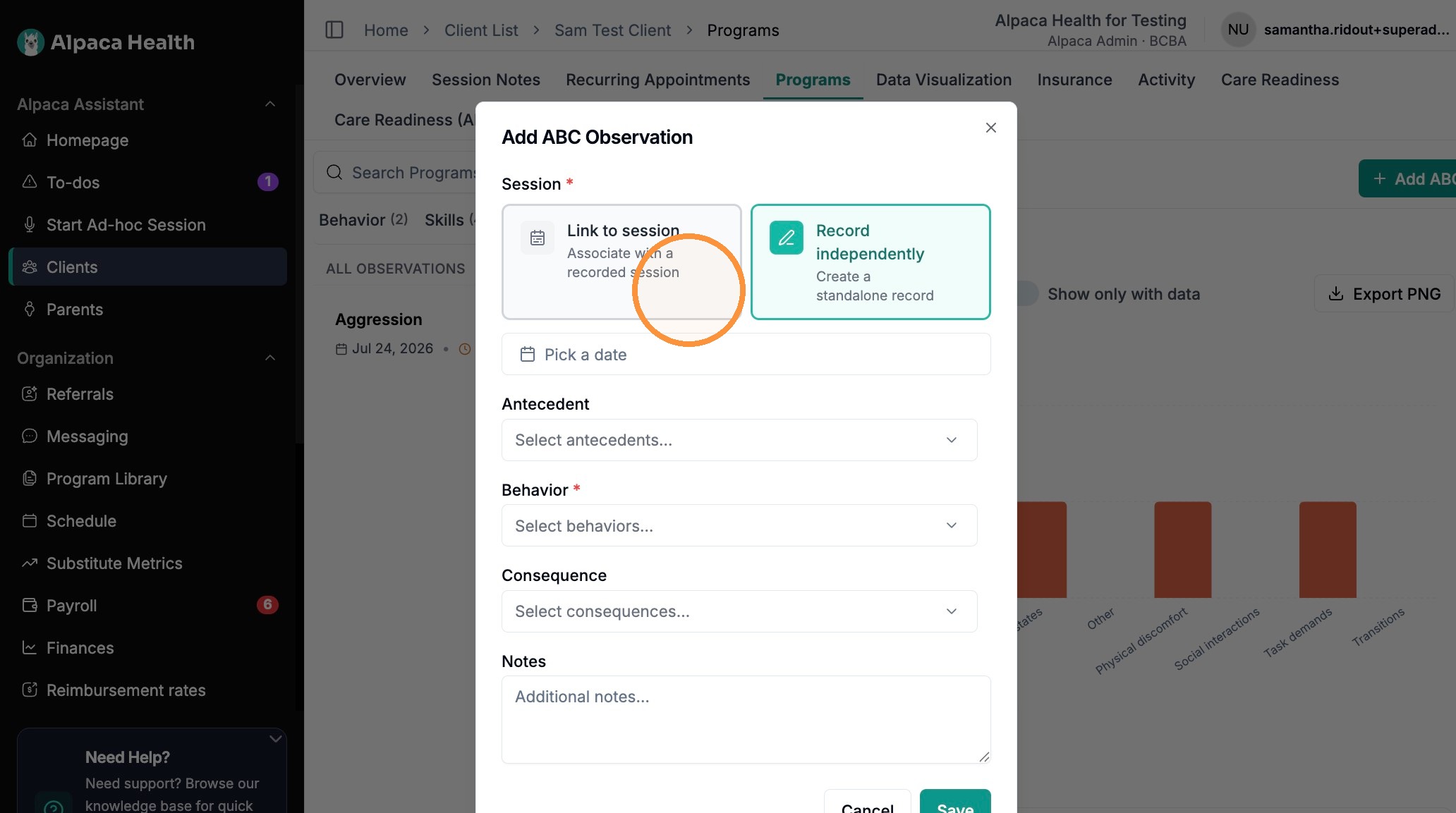
Record your ABCs.
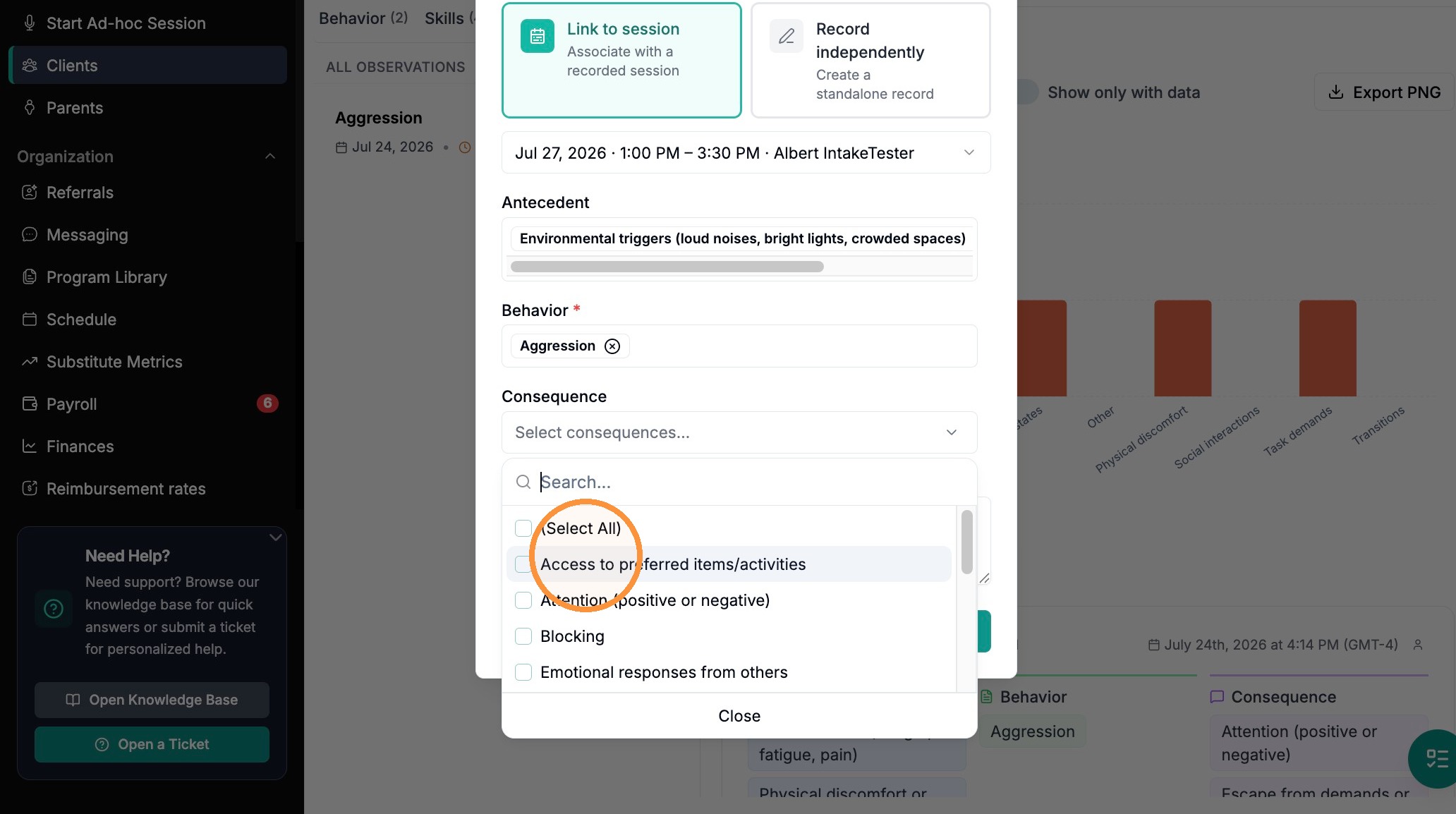
Save your observations.
Reviewing Collected ABC Data
As a BCBA you can review ABC data collected by your BTs/RBTs.
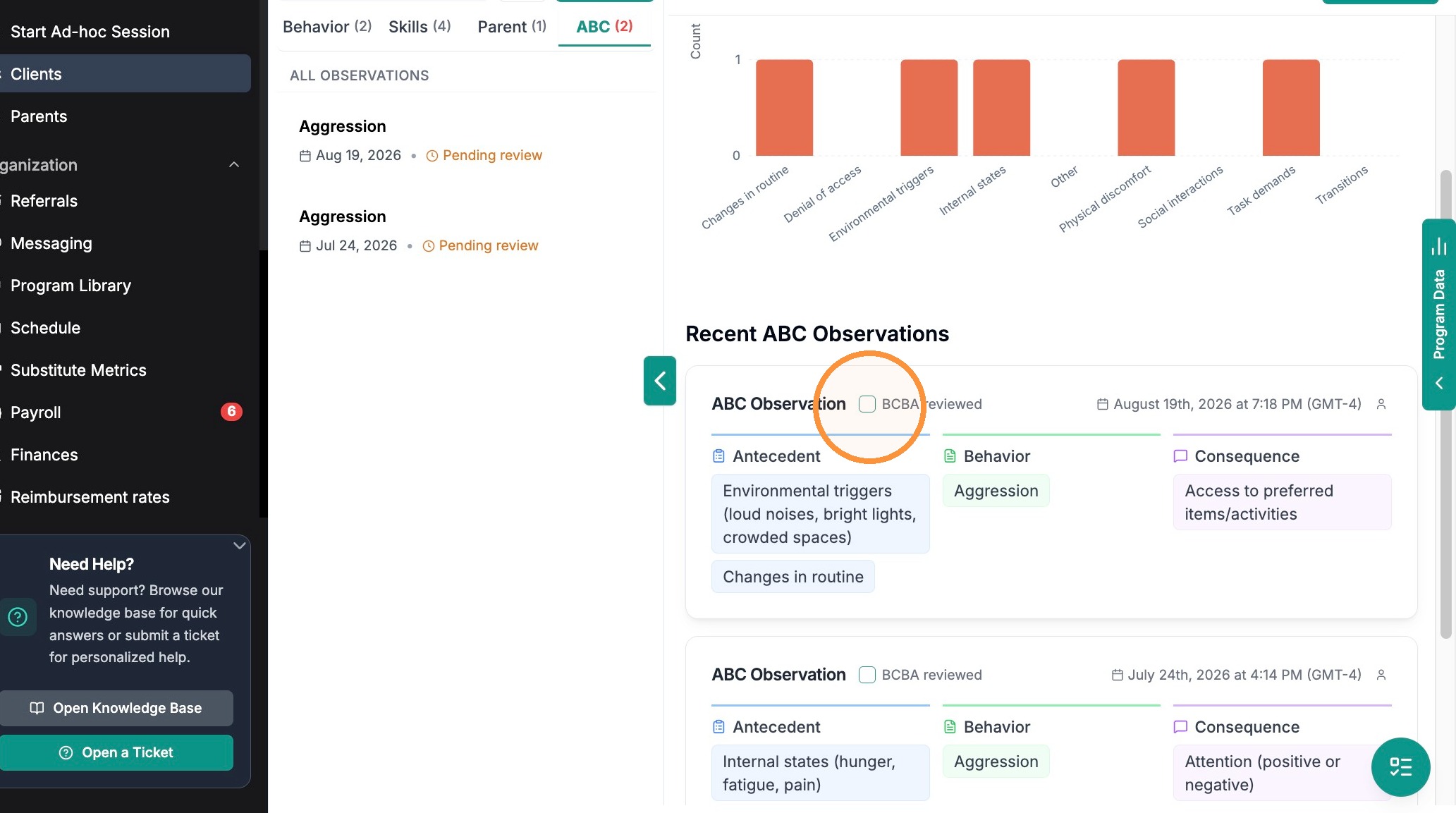
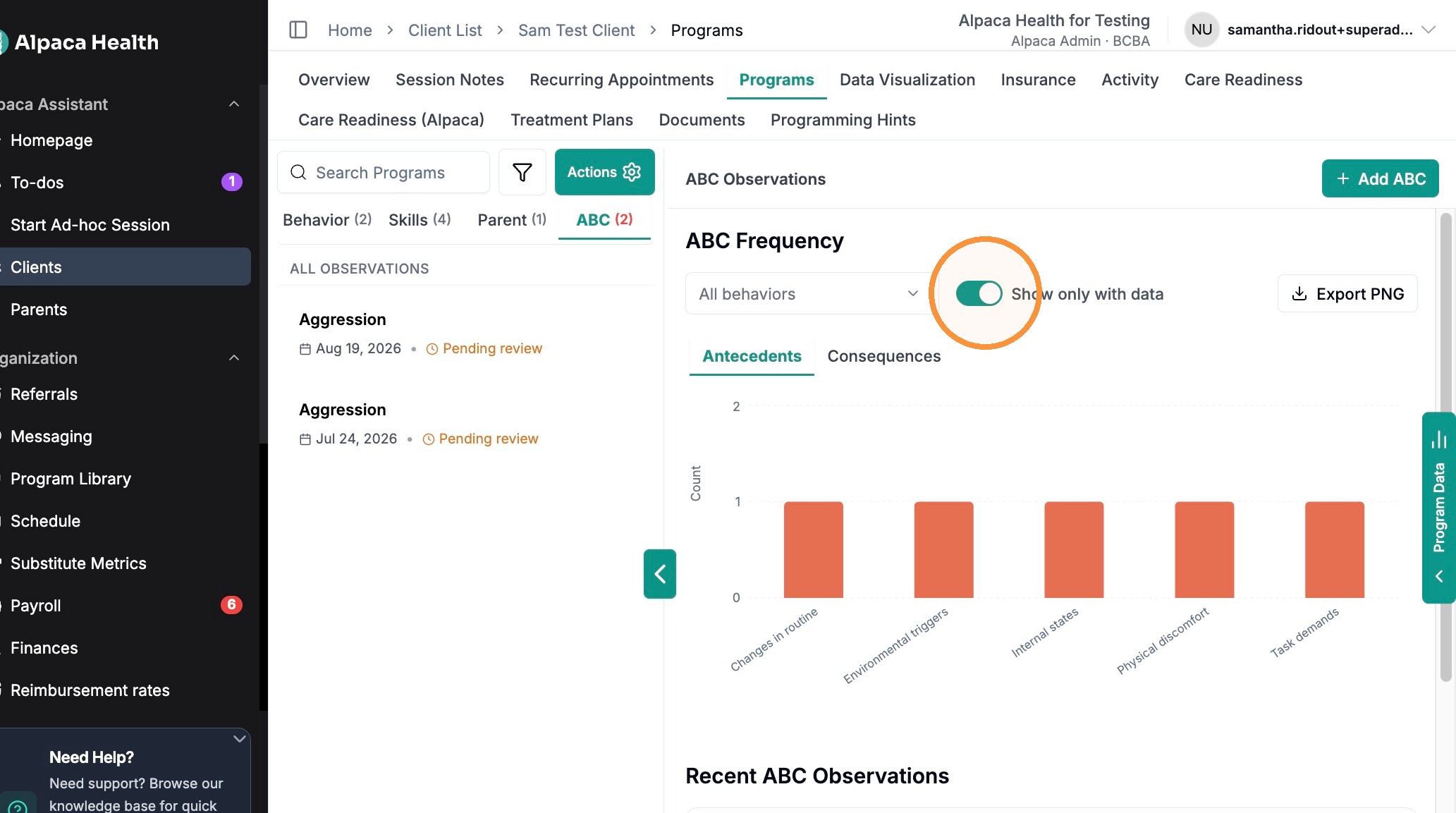
You can view ABC bar graphs with data by toggling "show only with data" on.
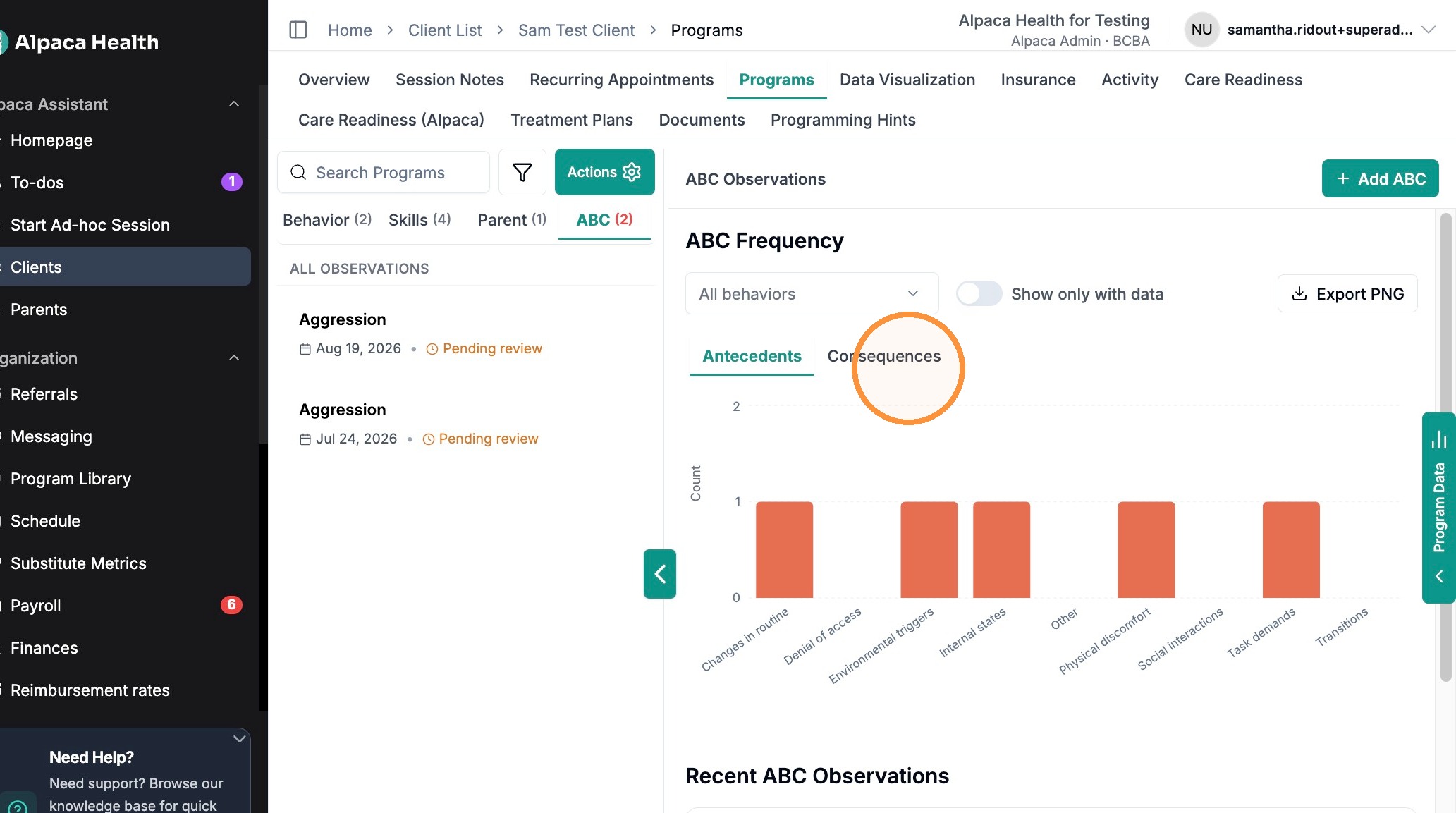
You can compare data by Antecedents vs. Consequences.
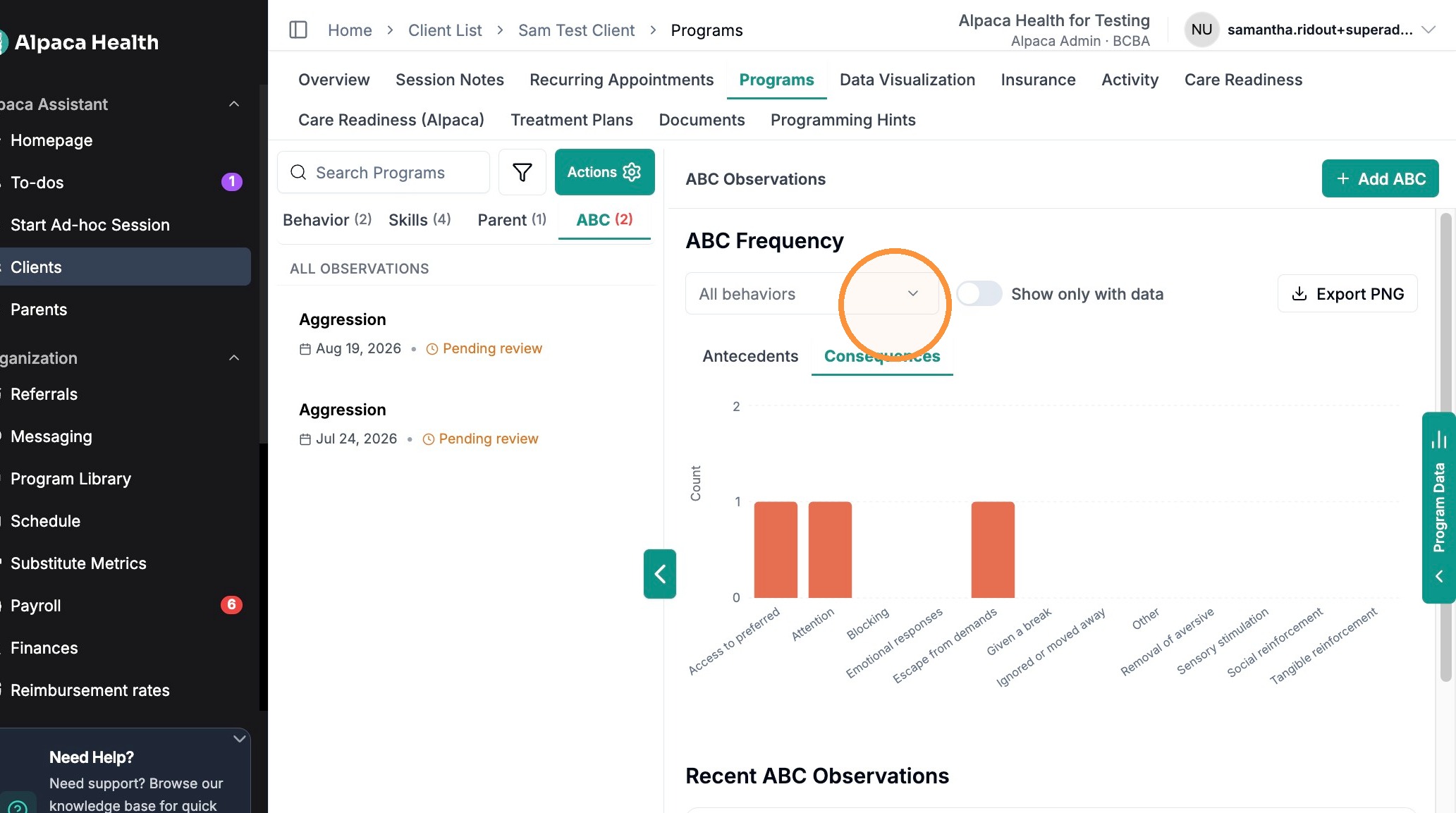
You can see all behaviors on the same graph, or select by one, or many.
You can also export/download your ABC data as a PNG.
Frequently Asked Questions
1. How is ABC data recorded during a session?
During a live session, the RBT clicks the ABC button in the Live Recording toolbar to open the ABC Entry form. They record the Antecedent, the Behavior (selected from the client's programs — required), and the Consequence, add a Narrative for additional context, then click Add ABC Data. Each entry is captured within that session.
Can I collect ABC data on a new behavior (one that is not in my current behavior reduction list?)
Yes. In the ABC Entry form, you aren't limited to behaviors already on the client's program list — when selecting the behavior, choose the new behavior option to log ABC data on a behavior you haven't yet added as a target. This lets you capture emerging behaviors on the spot, then formalize them into a behavior-reduction program later if needed.
3. Can I collect ABC data and frequency/duration data on the same behavior?
Yes. You can run both on the same behavior: use the frequency/duration target to track the level, and ABC entries to understand the patterns and function driving it.